
This guide is a step-by-step walkthrough on how to conduct the Daily in Transit Audits. For further information, please look at the full SOP available on Ops Source. For a guide on debugging and how to determine if a bike is recoverable, please see the Debugging Bike and Battery Training - April 2023.pdf.
Audit Cadence
24 Hour Markets
Check all bikes that have been in transit for 12+ hours. This can be done throughout the shift
Non-24 Hour Markets
PM to check all bikes in transit by end of shift
Can start checking bikes put in transit prior to the start of the PM shift after Midshifts and FBMs clock out
AM to review any bikes in transit at the start of their shift
Escalate any bike to senior management that was moved in transit while the operation was closed
Step by Step Guide
1. Open Air Control
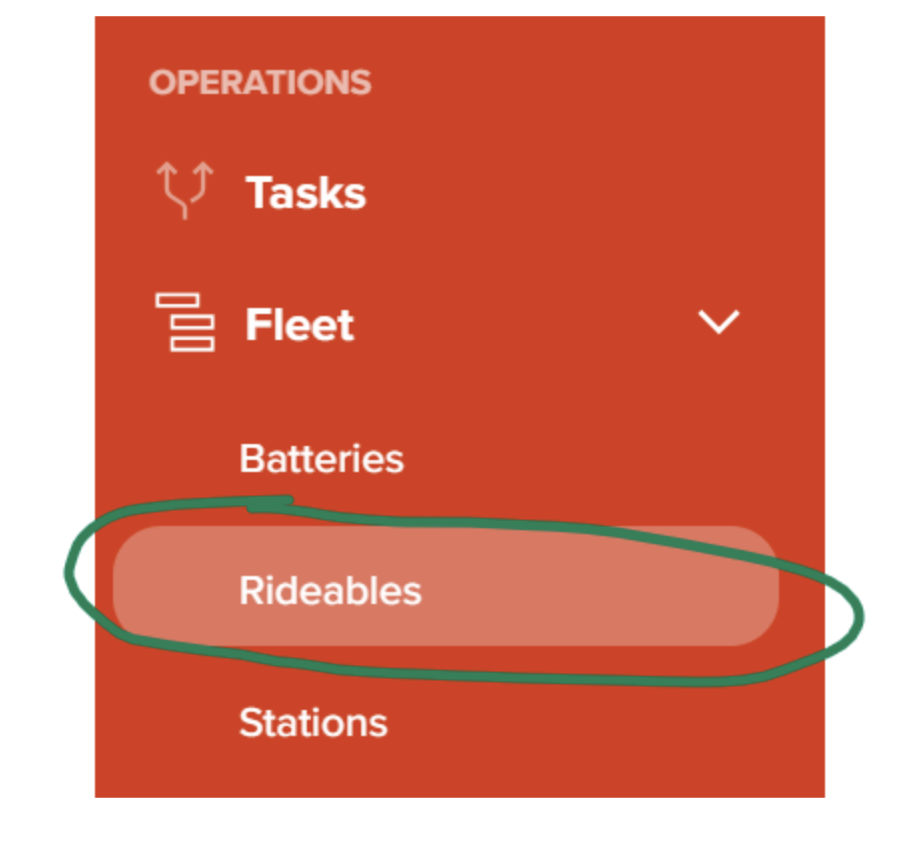
2. Navigate to Fleet > Rideables
3. Change the filters to Ops and remove all categories
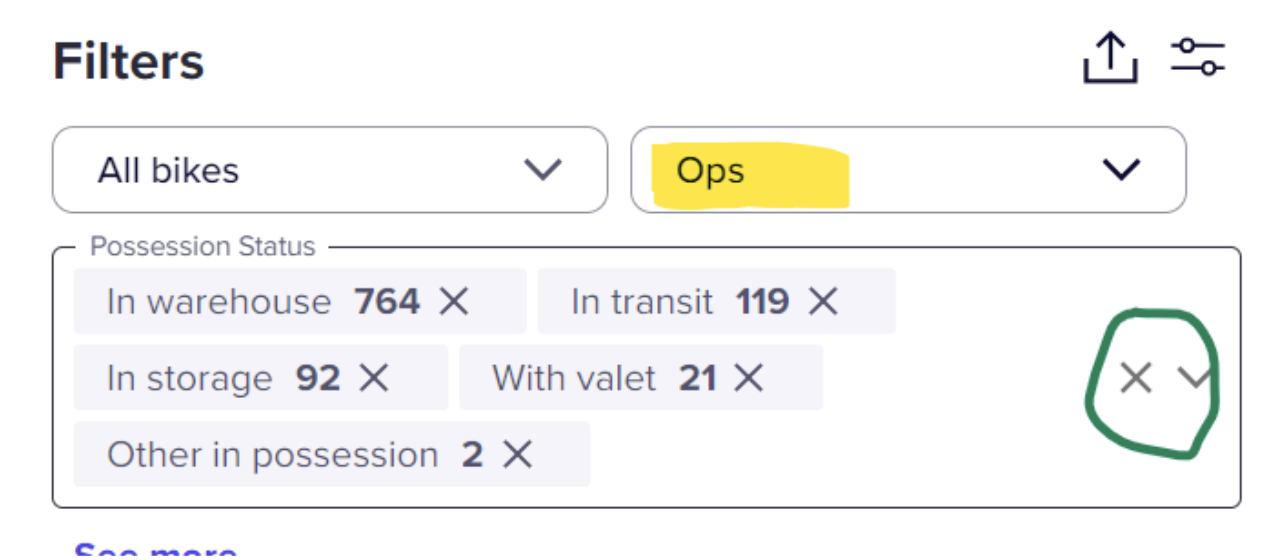
4. Add In Transit back

5. Click List

6. Click on Last Possession status to sort by date.

7. Find bikes that meet the time criteria and click on the bike number.

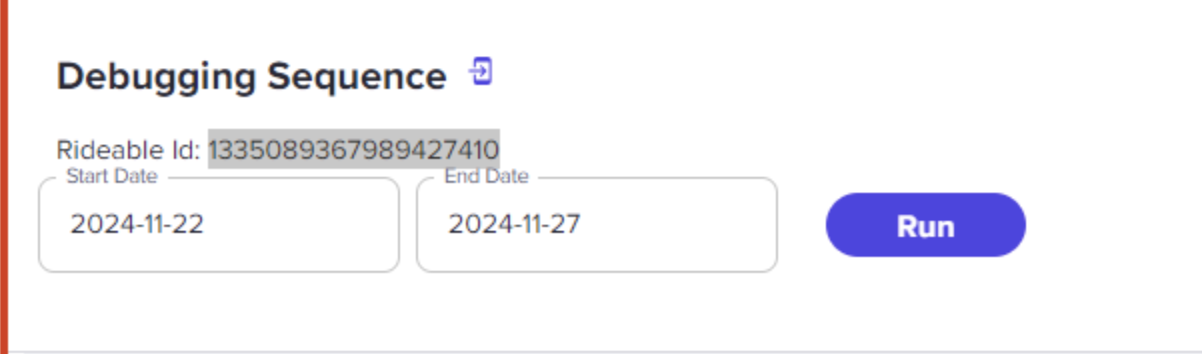
8. Click on History and Debugging

9. Adjust dates if necessary (unnecessary if done on time)
10. Review the debugging to determine if it was Lost by Ops, if it's recoverable, and fill out the local audit log.

11. Open a second AC tab, search the Rideable ID, and open the bike's details
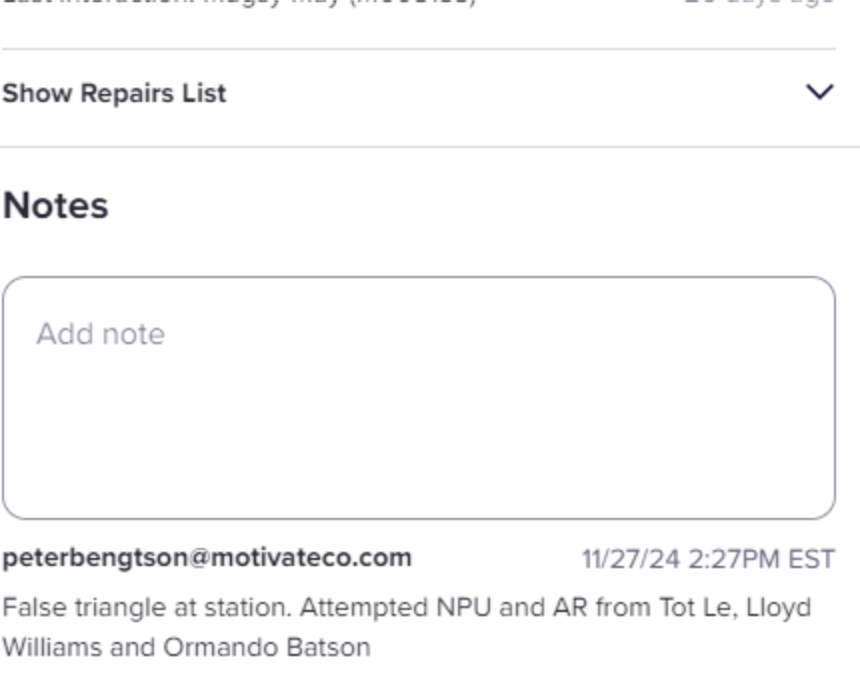
12. Add note with findings (press enter when note is complete)
13. Mark bike Missing
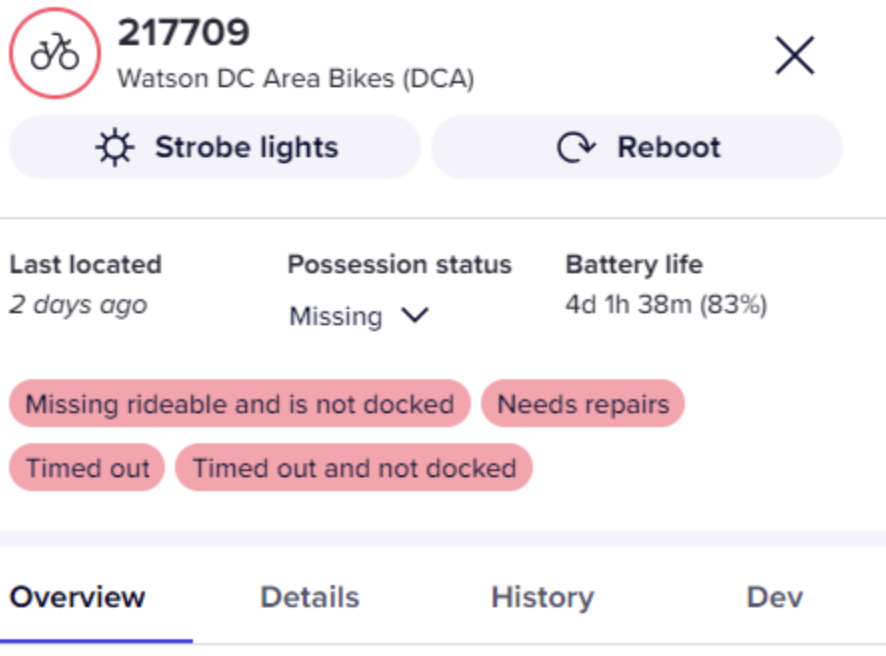
14. Open AR or Repark task if the bike is recoverable
- Use recovery guide in full SOP if you are unsure the bike is recoverable
- Notify nearby AR driver for recovery if it is considered a high risk of loss
15. Repeat until all bikes that meet the audit criteria are completed